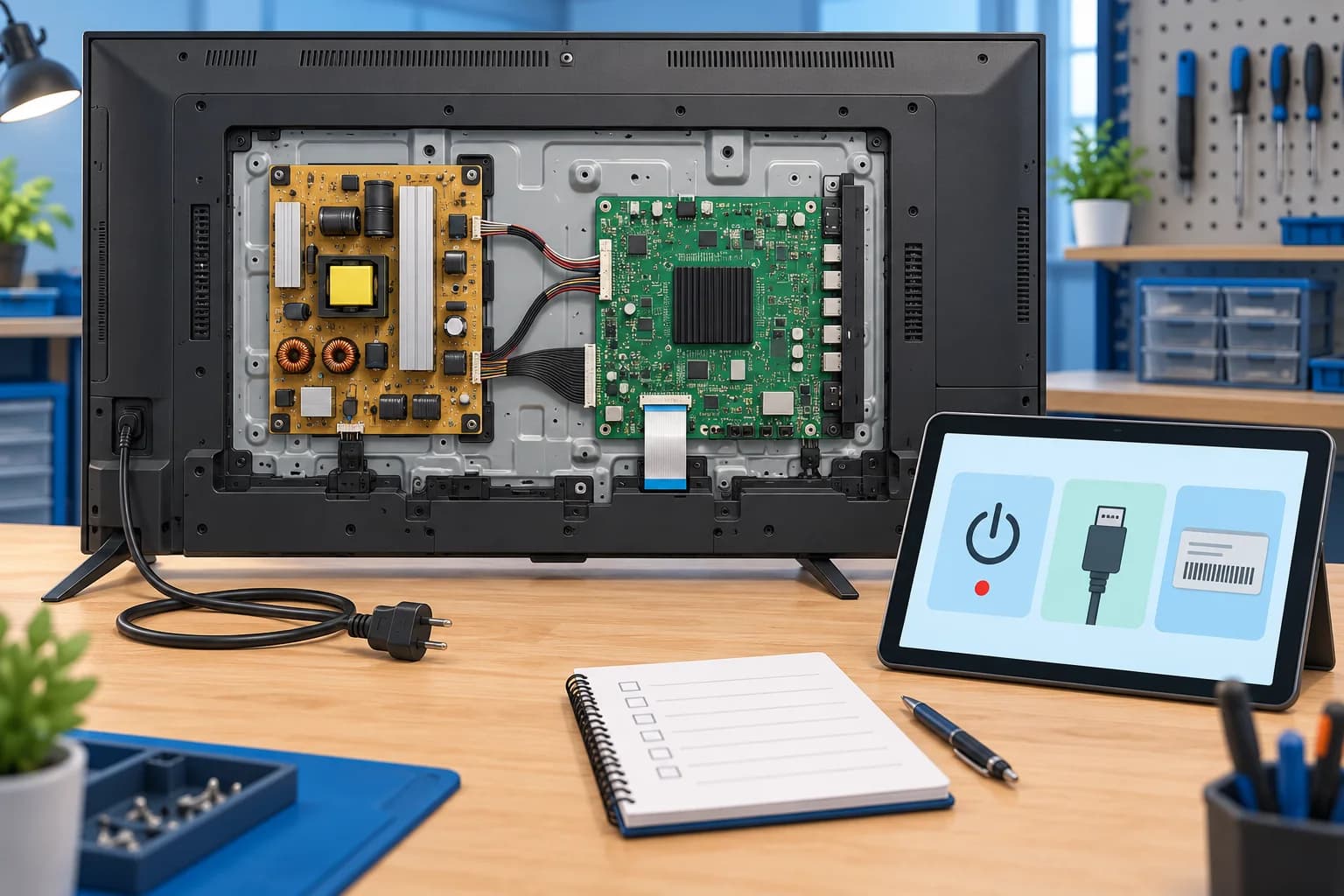
The mainboard processes inputs, runs the TV software and controls many of its functions. It is not the same as the power supply board, a backlight driver or the display panel. Replacing it because a symptom sounds familiar can leave the original fault unresolved. This guide helps owners and repair mechanics organise observations and agree on the next diagnostic step; it does not replace a model-specific service manual or electrical safety training.
GR Solution · Independent TV repair
Still need help with this TV fault?
Share your TV model, symptom and city. Request free diagnosis and an estimate before approving paid repair work.
- Share model & symptom
- Confirm visit availability
- Approve an estimate
Delhi, Noida, Greater Noida & Ghaziabad. Visit timing, access and any handling requirements are confirmed before a visit. Sending a request does not confirm a booking.
Start with a symptom record, not a replacement part
Write down what happens from a cold start: whether the standby indicator changes, whether a logo appears, whether audio continues and how long the TV runs before failing. Note whether the fault affects the TV’s own menu and built-in apps as well as an external source. A symptom that only affects one set-top box is a different starting point from a fault present on every input.
| Observation | Other possibilities | Useful next evidence |
|---|---|---|
| Logo appears, then TV restarts | Software, external-device behaviour, unstable supply or a board fault | Timing of restarts; result with external devices disconnected |
| One HDMI input has no picture | Source selection, cable, connected device, settings or that port | A known-working cable and source; whether the TV menu is visible |
| Sound continues with a black screen | Backlight on suitable LCD/LED sets, display circuitry or other faults | Display technology; whether the built-in menu can be seen |
| No standby indicator | Socket, power cord, supply or an internal fault | Safe socket/cord checks recommended for the exact model |
| Apps freeze but broadcast TV works | App, network, storage or software issues | Which apps fail; installed software version; available official updates |
Safe checks before a technician opens the television
Use the support instructions for your exact model. Samsung’s no-power guide, for example, includes a 30-second unplugging step; do not assume one reset procedure suits every TV. If the television is updating, follow the manufacturer’s update instructions rather than interrupting power.
- Check that the correct input is selected and that the external source is powered on.
- With devices switched off as their manuals require, disconnect optional HDMI and USB accessories, then check whether the TV’s own menu works.
- Try a known-working external cable or source if it is safe and accessible. Record the result rather than repeatedly changing settings.
- Use only official model-specific software instructions. Photograph settings you need before an advised reset, which may erase apps and preferences.
- Stop if there is a burning smell, liquid entry, damaged wiring or sparking. Arrange professional inspection; do not keep trying to start the TV.
Do not remove the cover, bridge connections, heat a board or copy voltage tests from another model. Internal circuits can remain hazardous after unplugging. Wall-mounted sets should not be lifted or tilted by one person to reach a label.
A diagnostic handover for TV repair mechanics
A useful handover separates what was observed from what was inferred. Record the full model suffix, display type and the customer’s account of the first failure. Reproduce the fault under documented conditions before proposing a part. Internal testing belongs with a qualified technician using the applicable service documentation and safe equipment.
- Create separate fields for symptom, test conditions, result and interpretation. “Restarts after the logo” is an observation; “mainboard defective” is a conclusion requiring evidence.
- Check the relationship between the power supply, mainboard and display system using the exact model’s diagnostic information. A visually intact board does not establish that it works.
- Before ordering a replacement, verify the board part number and revision, model/panel compatibility and any required manufacturer configuration. A similar connector layout is insufficient.
- After the approved work, reproduce the original use case and check picture, audio, inputs and stability. Explain any functions or faults that were outside the repair scope.
Ask the technician to explain the conclusion in plain language. A photograph of a board alone is not evidence that replacement is necessary.
What changes TV motherboard repair cost?
There is no reliable universal motherboard price. Component repair and a complete board replacement are different jobs. The full TV model, board revision, part condition and availability, software requirements and other faults all affect the estimate. The published pricing guide gives indicative market ranges; it is not a fixed quote for your television.
| Ask about | What the estimate should clarify |
|---|---|
| Diagnosis | Why the mainboard is implicated and what remains uncertain |
| Proposed work | Component repair or replacement of the board assembly |
| Replacement part | Matching part/revision and whether the part is new, refurbished or used |
| Total payable | Parts, labour, transport, handling and any applicable taxes or additional charges |
| Repair terms | Written coverage, exclusions and what happens if the same symptom returns |
GR Solution’s published policy provides free diagnosis and an estimate before paid repair work begins. Ask for visit availability and handling arrangements for your location. If the set may still be under manufacturer warranty, check that route before independent repair.
Indicative mainboard repair prices by screen size
For a budget reference, the existing Delhi NCR pricing research places mainboard repair at about ₹2,000–₹12,500 across the screen sizes below. These market ranges were reviewed in September 2026; they are not a newly verified supplier price list, a fixed GR Solution charge or a promise that a complete replacement board fits the same range. Diagnosis and an actual parts quote still decide the cost.
| Fault | 32" - 43" | 44" - 55" | 56" and above |
|---|---|---|---|
| Mainboard / motherboard repairBoot loops, no input detection, random shutdowns | ₹2,000 - 5,500 | ₹3,000 - 8,000 | ₹4,500 - 12,500 |
GR Solution · Independent TV repair
Find out what your TV actually needs
Online price ranges cannot identify a failed part. GR Solution diagnoses your TV free of charge and gives an estimate before paid repair work begins.
- Share model & symptom
- Confirm visit availability
- Approve an estimate
Delhi, Noida, Greater Noida & Ghaziabad. Visit timing, access and any handling requirements are confirmed before a visit. Sending a request does not confirm a booking.
Decide whether to repair after the fault is established
Compare the complete estimate with a genuinely comparable replacement TV, allowing for the current set’s age, panel condition, other faults and part availability. A repairable mainboard with a healthy panel is a different decision from a set needing both a board and a panel. No single percentage rule makes that choice for every owner.
Before calling, prepare the model, screen size, city, symptom timeline and the external checks already tried. Share model-label photos privately with the repair provider rather than publishing serial numbers in comments or reviews.
Sources and scope
Editorial guidance reviewed on 25 October 2026. Manufacturer instructions apply to the specified products; this guide does not claim manufacturer authorisation or document an actual repair case.
- Samsung India: what to do when a TV will not turn on
External no-power checks for Samsung TVs. Procedures depend on the model.
- Samsung India: product warranty information
Check the applicable manufacturer terms before arranging independent work.